Penpal
Write better messages to Claude.
Draw on your screen, keep your best prompts, and get guided step by step.
One small dock
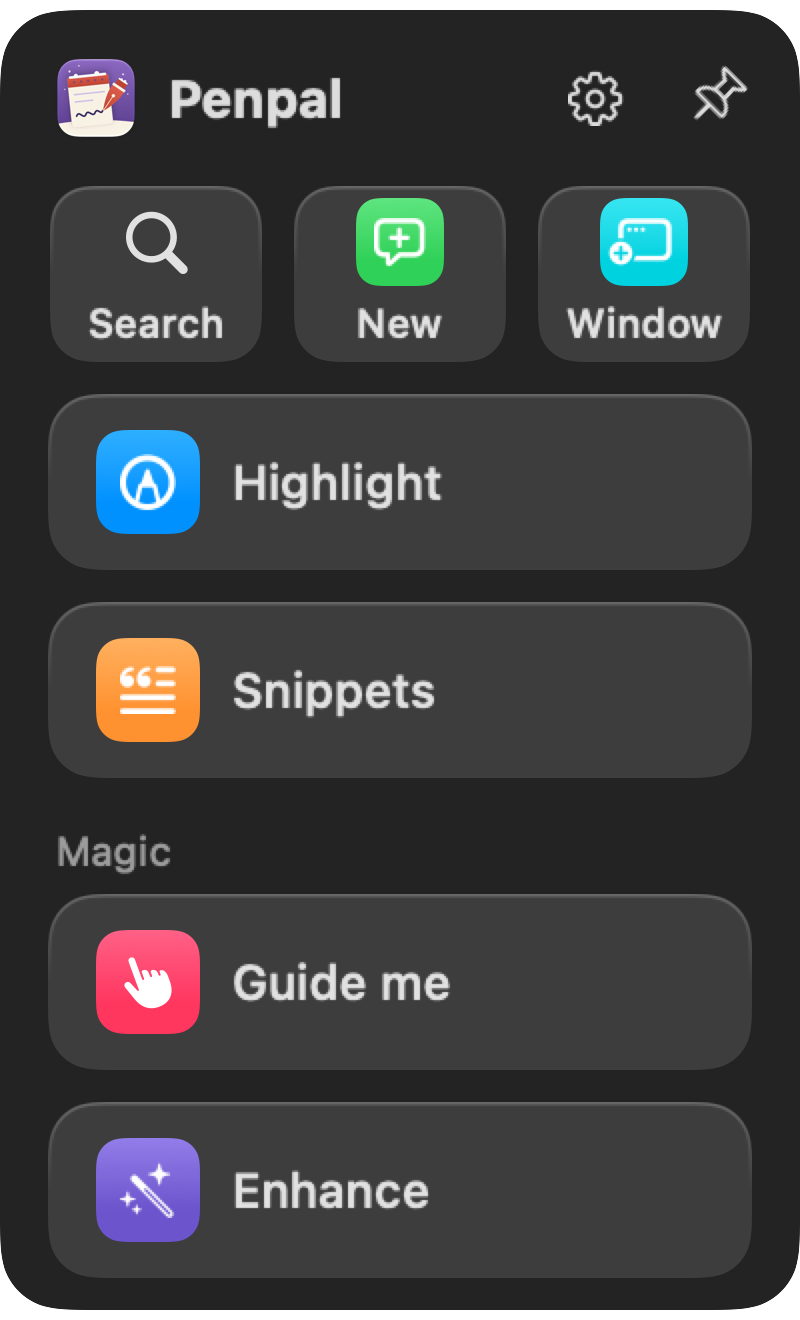
Everything is in a little panel beside Claude. Pin it to Claude's edge, or tuck it away behind a floating icon that stays above your other apps, like an icon from the Dock. Click the icon to open it. Drag it anywhere.
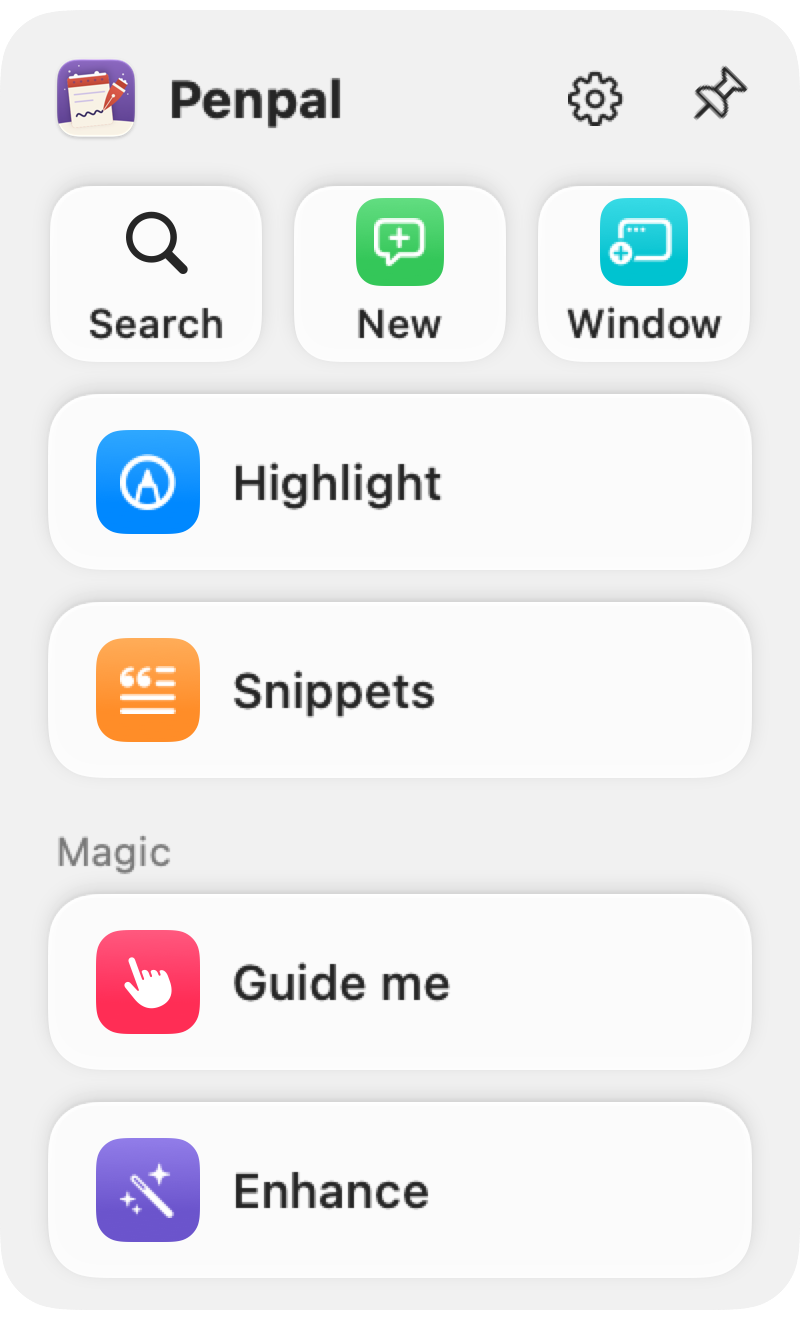
Highlight
Hold ⌃ ⌥ (Control and Option) and draw around anything on your screen. Penpal takes a picture of that spot, with your drawing on it, and puts it in Claude's message box.
Each picture gets a number, 🖼 1, 🖼 2, so you can write "see 🖼 2". Nothing is sent until you press Return.
Search, New and Window
Claude's own session buttons, one click away: search your sessions, start a new one, or start one in a new window. That last one has no keyboard shortcut in Claude at all.
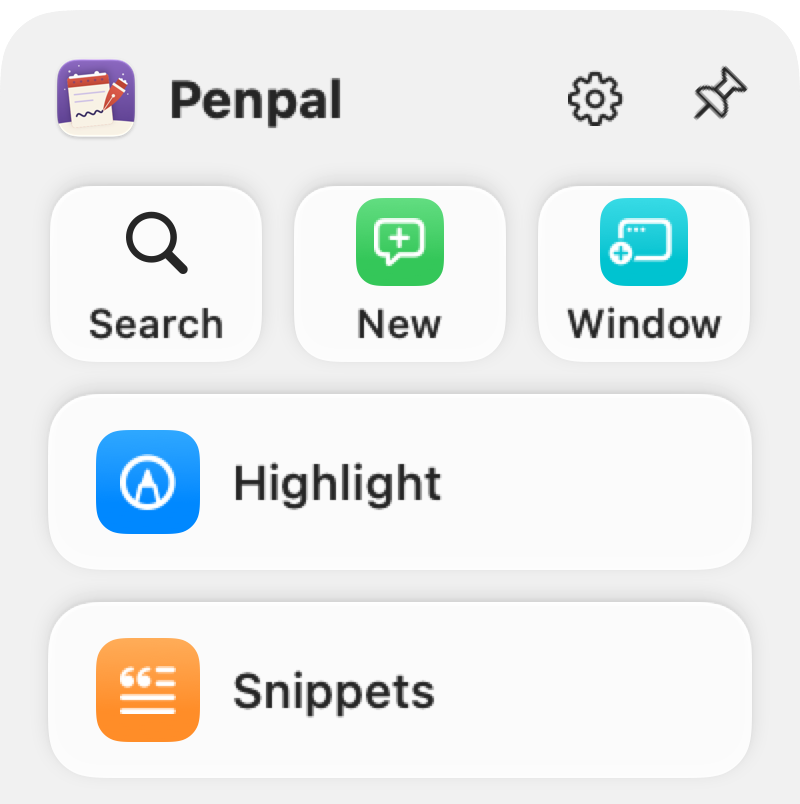
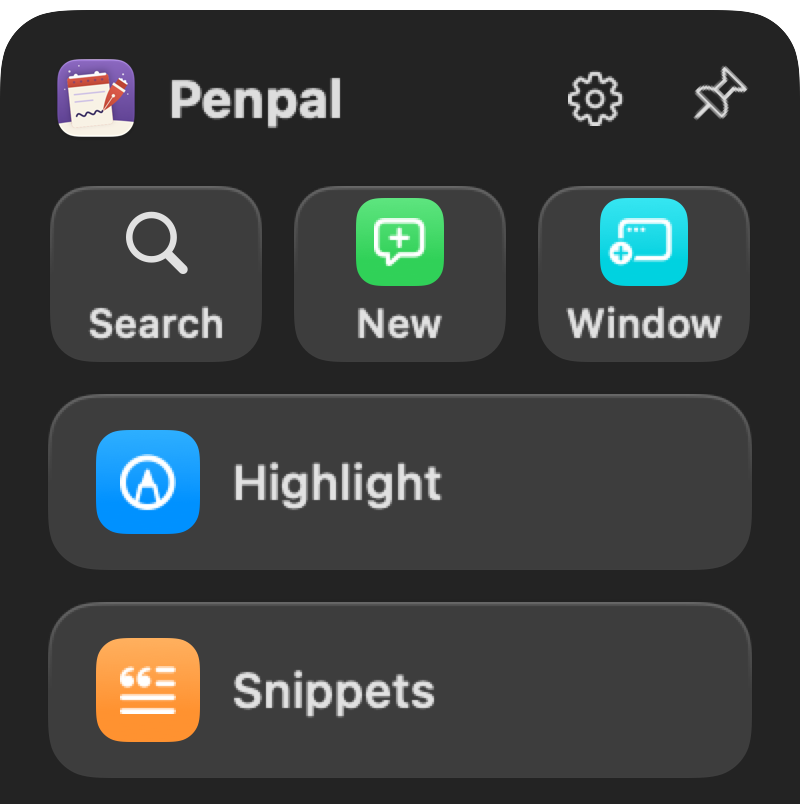
- Search
- Find any of your Claude sessions, ⇧⌘K
- New
- A new session in Claude, ⌘N
- Window
- A new session in its own window
Guide me
GPS for your computer.
Say where you want to go; it rings every click, and you drive.
Enhance
Write a rough ask, add pictures with Highlight, and your own Claude rewrites it as a clear prompt: the goal, the context, the limits, and what done looks like. In your words, nothing made up.
Edit it, then Send puts it in Claude's box.
And more
- Snippets. Save the prompts you use again and again. Paste one from the dock, or type a semicolon and its name, like
;name, in Claude's message box and it turns into the full text. You still press Enter.
Guide me and Enhance are the Magic part: they use your own Claude, through Claude Code on your Mac.
Careful with your Mac
- Nothing goes to SantaRow. No account, no analytics, no crash reports.
- Highlight only looks when you ask. It takes a picture when you hold ⌃ ⌥ or press Highlight, and nothing is sent until you press Return in Claude.
- Guide me looks at your whole screen. It reads the windows on your screen to find the steps, and sends that picture to your own Claude.
- Penpal never clicks for you. Guide me points; you click.
- What it keeps stays on your Mac. Your snippets, and a copy of each Guide me and Enhance request until you delete it.